
How does one make ChatGPT sound friendlier, more professional, or even a bit quirky? OpenAI has added new personality controls that let users adjust how the AI responds. These features don’t change what information ChatGPT provides, just how it presents it.
Users can now choose from built-in personality presets including Default, Professional, Friendly, Candid, Quirky, Cynical, Nerdy, and Efficient. These presets change the AI’s tone and word choice instantly. For those wanting more control, slider adjustments for warmth, enthusiasm, and emoji use allow for fine-tuning the AI’s personality. OpenAI developed these controls to address common criticism that AI responses can feel too robotic or impersonal. Changes apply automatically to all future conversations after selection, eliminating the need to reset preferences each time.
Personality presets and fine-tuning sliders give users unprecedented control over ChatGPT’s communication style.
The new personalization hub puts all these options in one place. Users can access it through their profile menu under Personalization. Once set, these preferences apply to all future conversations, saving time during each chat session.
Custom instructions work alongside these personality settings. Users can specify their preferred response length, format, and add context about themselves. The latest GPT-5.x models reportedly follow these instructions more consistently than previous versions.
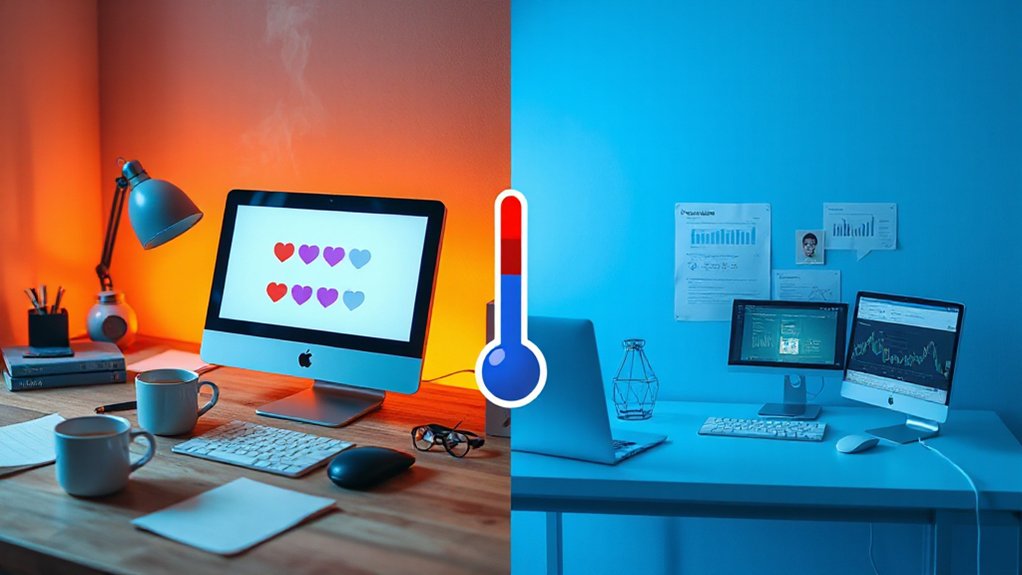
The effects are noticeable in conversations. Higher warmth settings lead to more empathetic language, while cooler settings produce more direct responses. Increasing enthusiasm adds energy to replies, often with more exclamations and emojis when enabled.
Different settings work best for different tasks. Customer support scenarios benefit from Professional or Friendly presets. For productivity work like summarizing documents or coding, the Efficient preset keeps responses focused. Creative projects might work better with Quirky settings and higher enthusiasm.
These personality controls also remember user preferences across sessions. Combined with the memory feature that stores user background details, the AI can maintain a consistent personality without requiring setup each time.
The personalization controls are available in the ChatGPT interface for users who enable customization features. By combining presets with custom sliders, users can create an AI assistant that communicates exactly how they prefer.
References
- https://www.tomsguide.com/ai/chatgpt/chatgpt-can-act-like-different-assistants-heres-how-to-use-each-one
- https://www.youtube.com/watch?v=mCTAT2l2b9M
- https://www.webpronews.com/openais-chatgpt-update-adds-personality-sliders-for-customization/
- https://ruben.substack.com/p/51
- https://www.justthink.ai/blog/master-chatgpts-personality-chatty-gen-z