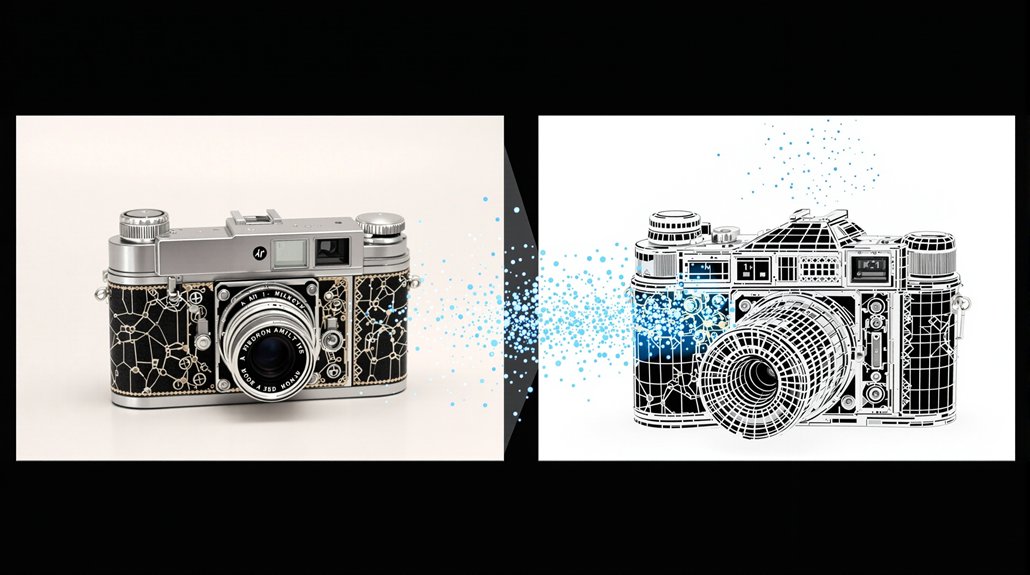

Turning a single photo into a moving video clip is now possible with AI tools that handle the entire process automatically. The technology analyzes uploaded images to identify subjects, depth, and object relationships. It then predicts realistic motion and generates new frames to build a smooth video clip.
Several tools are leading this space. Adobe Firefly accepts JPG and AI images and uses text prompts to control motion and shot styles. Steve AI runs on Sora and Veo models to handle motion, pacing, and sound. Invideo combines deep learning, diffusion, and computer vision for camera movement control. Pictory uses Veo 3.1 and Pixverse for animation and scene expansion. Kling 2.6 lets users transfer motion from reference videos for complex movements like sports or dance.
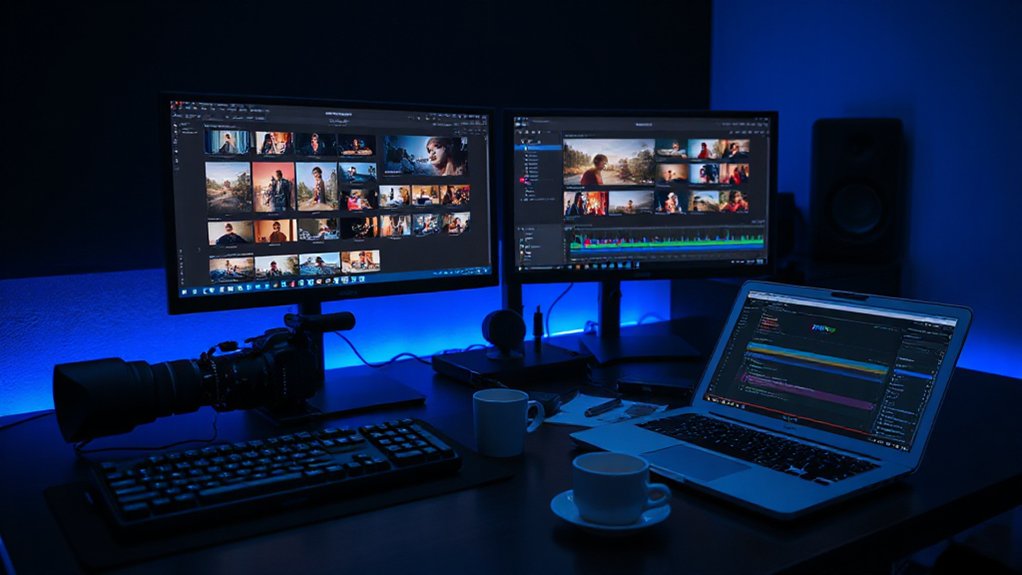
The workflow starts by uploading a single image, multiple frames, or reference footage. Users then add a text prompt describing motion, mood, pacing, or sound. They can pick shot styles like close-up, wide angle, or cinematic framing. After a real-time preview, users fine-tune the output before exporting a finished clip that’s typically 20 seconds or longer.
Upload an image, add a prompt, choose your shot style, and export a finished clip in minutes.
Advanced models like Sora 2 and Veo 3.1 produce native 4K video with synchronized audio. These systems maintain character consistency and realistic physics across scenes. They can also expand environments beyond the original image frame using AI-generated visuals.
Production teams are using these tools across many formats. Businesses create product videos from still images without needing timelines or keyframes. Filmmakers use them for cinematic sequences and depth extension. Content creators build social media clips, B-roll footage, and video intros from scratch.
The efficiency gains are significant. AI agents can cut 70 to 80 percent of standard editing time. End-to-end workflows take a topic keyword and turn it into finished multi-format content. A single video can be repurposed into more than 10 platform-specific clips, posts, and articles. Organizations that bring content creation in-house using these tools report 30-50% cost reductions compared to traditional production methods.
Tools like Firefly and Steve AI also generate content without copyright concerns. Adobe Firefly specifically incorporates licensed and public domain content to ensure safety for commercial use. Professional-quality clips are delivered in minutes through optimized GPU pipelines.
References
- https://www.adobe.com/products/firefly/features/image-to-video.html
- https://www.mindstudio.ai/blog/boosting-productivity-ai-image-video-automation/
- https://www.youtube.com/watch?v=O7CxWRix8PI
- https://www.steve.ai/blog/how-image-to-video-ai-works/
- https://support.fotomaster.com/en-US/ai-image-to-video-feature-4848036
- https://invideo.io/make/image-to-videos/
- https://pictory.ai/image-to-video
- https://artlist.io/ai/video-generator/image-to-video
- https://generativeai.pub/from-one-ai-image-to-endless-content-a-simple-image-to-video-workflow-0e8be6b3b3e0